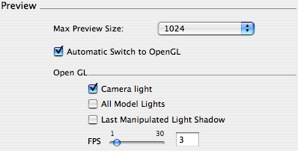
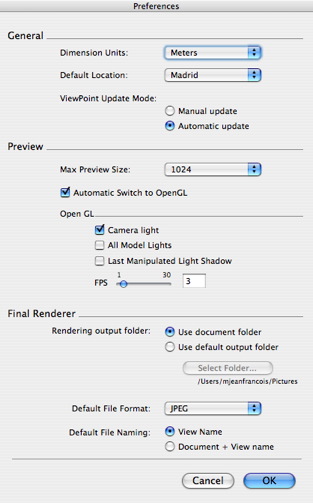
Max Preview size:
Choice of the maximum size of the Preview window content (using the shortcut Command +). In the pop-up menu (640, 800, 1024, 1200), the value means the size of the preview image displayed in that window.
Automatic Switch to OpenGL:
When this box is checked, the display mode switches from photorealistic to OpenGL mode when the camera is moved. Speeds up display in small configurations.
 NB: The refresh time of the window is proportional to the size of the display. NB: The refresh time of the window is proportional to the size of the display.
OpenGL options
The following different options affect the Preview window rendering display in OpenGL mode.
Checking this box simulates an omni-directional white light linked to and originating from the camera. The scene is always lighted.
NB: This option is independent of the anti-aliasing of the final rendering.
When checked, this box activates the effect rendering for all active light sources: lights and sun.
NB: The refresh time of Preview slows down when the option is activated.
- Last Manipulated Light Shadow:
When checked, Open GL takes into account shadows cast for the last lighting scheme or sun that was manipulated.
NB: The refresh time of Preview slows down when the option is activated.
Increases or reduces OpenGL navigation fluidity. The greater the number, the better the fluidity. On the other hand, a low number provides better image definition.
Move the slider or enter a value of between 1 and 30 images per second.
|
 Preference Settings
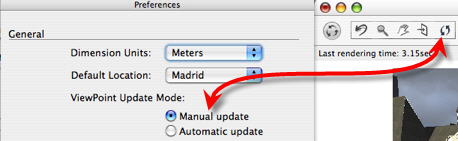
 in the Preview window toolbar.