Editing the Clipping Box
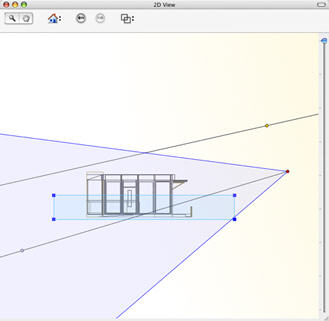
Editing the Clipping BoxThis is a blue box with angle handles that can be edited.
|
|
|
Change the view (above, front, right, left, rear) to define more than one clipping plane in the space (up to a maximum of 6 clipping planes).
|
|
Elements outside the blue box are cut out of the scene. When viewing from above, the rotation angle can also be defined graphically in 2D View. |
 NB: When elements are clipped, the shadows projected are adapted.
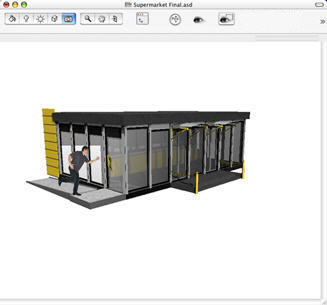
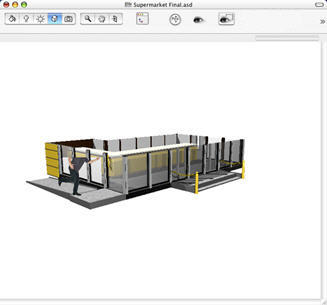
Example of a clipping box in Perspective view.
|
|
|
|
Inactive Clipping Box |
Active Clipping Box |
|
Artlantis User Guide : Editing the Clipping Box |
© 2008 Abvent www.artlantis.com |