 Customizing the Preview Toolbar
Customizing the Preview Toolbar
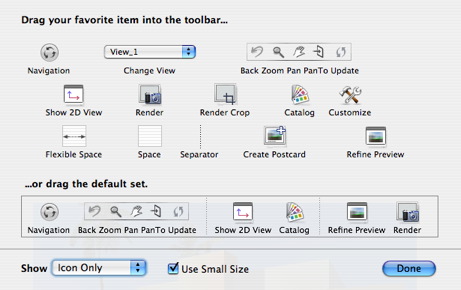
To add a tool, drag and drop it onto the bar. To delete a tool, drag it outside of the bar.
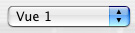 The dropdown menu enables you to navigate the viewpoints.
 Render Zone: Within the scene, this initiates rendering of the zone bounded by the rectangle.
 Create Postcard: saves current viewpoint as a Postcard.
 Access toolbar customization settings.
|
Artlantis User Guide : Customizing the Preview Toolbar |
© 2008 Abvent www.artlantis.com |