 The Preview Window
The Preview WindowThe main working window. It displays the final render in real time before any calculation is initiated!
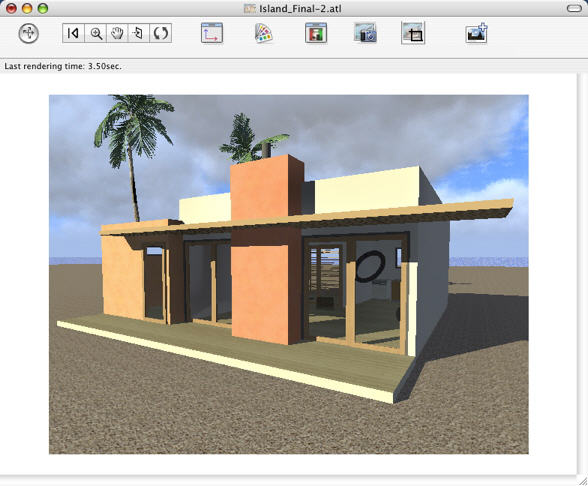
Both the toolbar commands (Navigation, Zoom, Pan, Front View) and the Keyboard and Mouse Shortcuts specific to the Preview window are used to navigate within a scene.
Move the lower right corner. The size of the content displayed is not affected (Preview Preferences, or Keyboard and Mouse Shortcuts.)
|
Artlantis User Guide : The Preview Window |
© 2008 Abvent www.artlantis.com |