 Step 3 - Launching the Insertion Calculation
Step 3 - Launching the Insertion Calculation
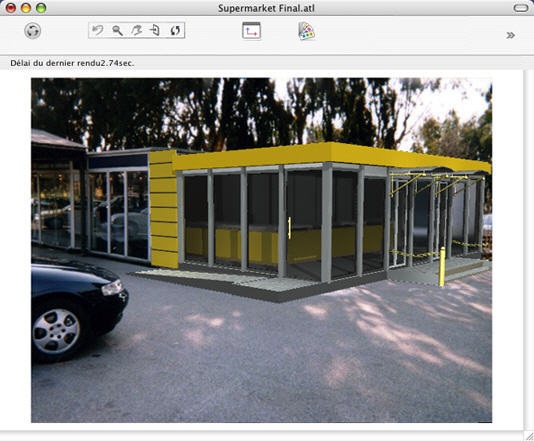
In the insertion dialog, check  . The model displays in Preview, and then launch
  . At any time, one can modify the axes in real time in the Preview and 2D View windows. If the setting appears incorrect, modify the value of the camera focus
 , adjust the slider or, if you know the value, re-enter it directly into the appropriate field.
 stops the calculation.
 NB: in order to avoid any untimely modification, when the insertion dialog is closed, the view locks automatically.
To unlock it in the Perspectives inspector, open Coordinates, then click on the padlock  .
.
To restart from the beginning, use the Cancel button.
|
Artlantis User Guide : Step 3 - Running the Insertion Calculation |
© 2008 Abvent www.artlantis.com |