 11 - The Objects Inspector
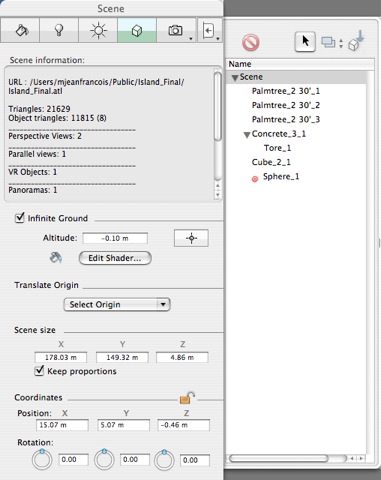
11 - The Objects Inspector NB: If no object is selected, the inspector displays information related to the entire scene.
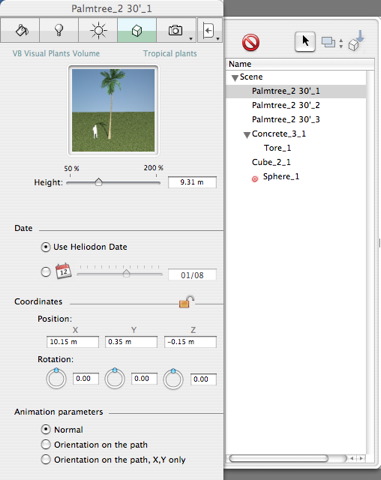
 Objects List: for managing objects on the list shown.
|
|
The objects are available in the Media catalog
 , Billboard.
To save a scene as an object, see Saving an AOF Document Saving an AOF Document
 See Also
|
Artlantis User Guide : Objects Inspector |
© 2008 Abvent www.artlantis.com |